A dynamic operating system
for service businesses.
Planning, routes, customers and communication, together in Clientflow. We help you get started for free.


















Join service businesses
across Denmark
Clientflow's calendar: the week's orders are planned per employee with driving, revenue and utilisation, and the day plan shows on the phone.







20,000+
active subscriptions run through Clientflow
DKK 5M+
in monthly revenue for our customers
30,000+
jobs completed through Clientflow
Clientflow Enterprise has made a noticeable difference to our daily operations. At Top Clean we service more than 3,000 customers and plan routes for 7 window cleaners every day.
The system has not only made our planning and administration more efficient, it has also contributed to higher revenue and higher earnings for our employees.
At the same time, we get great sparring with the team behind it, who listen to our needs and keep developing the system.
Clientflow has become an important part of our continued growth, and we warmly recommend it.
 Mikas RudbergOwner and CEO, Top Clean ApSRead the full case
Clientflow has made my everyday work noticeably easier. At De Lokale Vinduespudsere I run the business on my own, and after switching I was up and running in the system in under a week. The whole customer import was done in a day.
Before, I had to search through both my phone and my email to find out what had been agreed with a customer. Now leads, messages and payments are in the same place, and customers can see their invoices and move their visits themselves in the customer portal.
The system can do a lot, but it's just as good for a small business as for a big one.
I save time every day, and I have nothing bad to say about Clientflow.
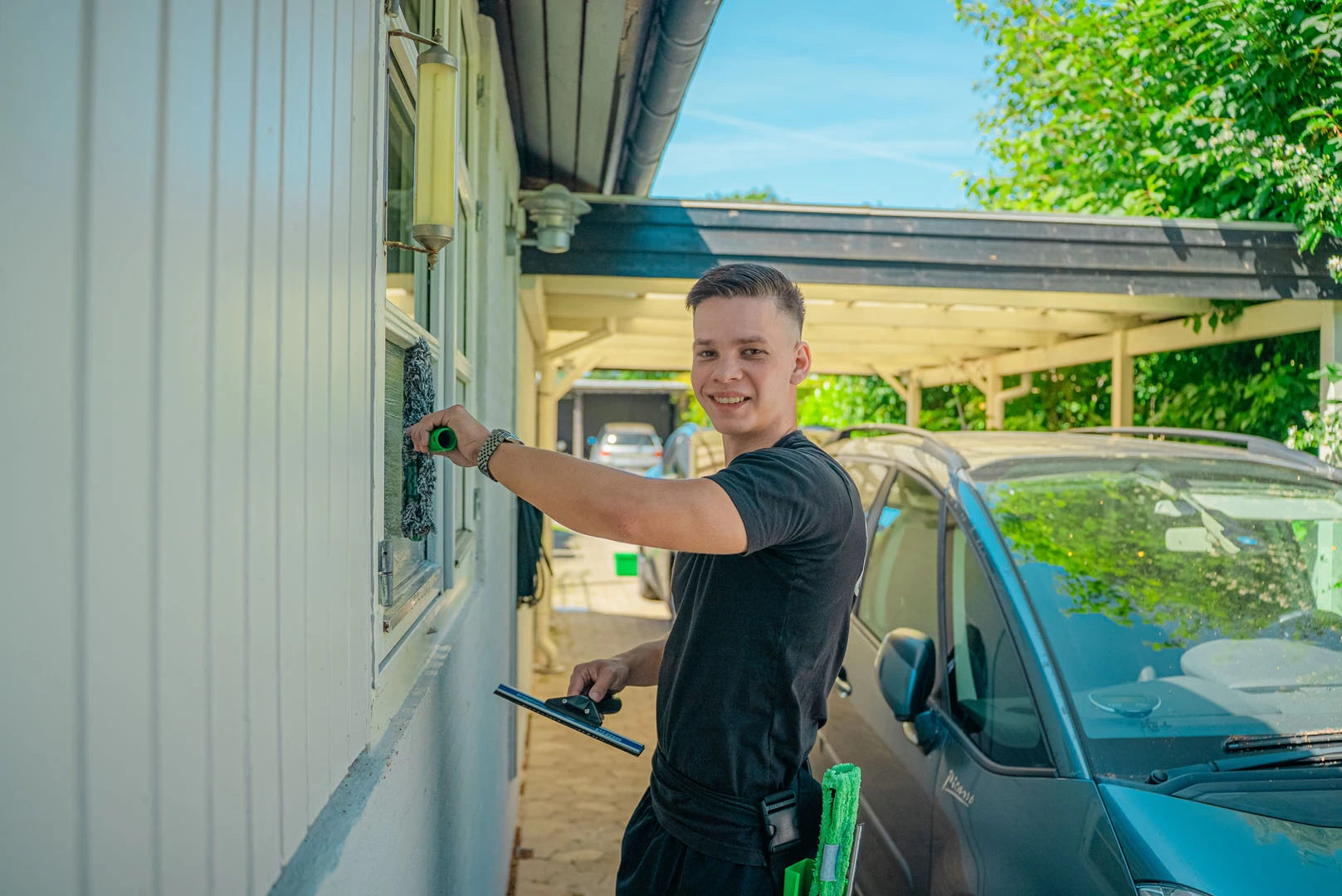 Mathias HaldOwner, De Lokale Vinduespudsere
Never lose an enquiry. Clientflow gathers every lead in one place.
The leads board, where new enquiries land and move through the columns New, Contacted, Qualified and Converted.
Collect & follow up
Leads from your website, Meta and the ones you add by hand land in the same column. You see who is waiting for a reply and who becomes a customer. Clientflow follows up on them automatically.
- Unified lead pipeline
- Automatic messages to the customer
- Automatic follow-up
Send the quote while the customer is keen. A good-looking quote in minutes, sent by SMS and email.
The quote tool: a service is picked, time and price are worked out, and the quote is sent to the customer.
Quote tool
The customer's notes and attachments are already on the lead. Pick a template, adjust it, and Clientflow sends the quote straight to the customer. That makes it easy to get a quote out to every new lead fast.
- Customisable templates
- Google Maps & aerial photos
- Official Danish addresses
- Easy quote conversion
The whole conversation with the customer in one place. Email, SMS and calls in one thread per customer.
The inbox, where the customer's reply, calls and messages sit in one thread, and the answer goes out from the same place.
Call & write
Email, SMS and calls come together in one thread per customer, so you reply with the whole history and the quote in front of you.
- One thread per customer
- Call straight from the customer card
- AI transcription
- Templates & quick replies
The week plans itself. With the most dynamic route planner on the market.
The calendar, where new orders are fitted in and cancellations closed up, while locked appointments stay where they are.
Route planning
Everything can be set: which employees may take which jobs, which jobs go when, and whether large orders are split across several people. Clientflow lays the routes accordingly and replans when something changes.
- Automatic optimization
- Respects locked times
- Handles changes




Cleo, your AI assistant
Ask Cleo. You decide what happens.
Cleo is on every plan. Write the way you talk, and Cleo looks things up in your own data, shows you the way around Clientflow and can carry out actions for you. Nothing happens until you tap Run.
- Ask about customers, orders and leads
- Get shown the way around Clientflow
- 200+ actions when you say so

The Cleo window: the user asks what is in the calendar tomorrow, and Cleo answers with the orders per employee. Then the user asks Cleo to turn on automatic time adjustment and give Marcus Friday off, and Cleo shows each change as a card that is approved with Run.
A system that does more.Tracking, invoicing and all your tools in one place.
Tracking: Mads Vestergaard drives across the map from Værløse towards Smørum, and the trip history below the map shows his current speed and the day's trips with times, addresses, distance and speed.
GPS tracking
See where the vehicles are right now, and the day's trips with times, distance and speed. Live GPS from trackers in the vehicles, on Enterprise.
An invoice that is sent, paid automatically by card and booked in Dinero.
Invoicing
Invoice in one click, payment by card or MobilePay, and booked in Dinero, e-conomic or Billy.
One system
SMS, phone, inbox, route planning and reports together in Clientflow. No switching between programs.





Ready to try it yourself?
Try demo

Free onboarding
We import your customers and help you get started, for free. Switching from another system? We've written honest comparisons.




Security
Your data stays in the EU (Frankfurt), each company is isolated in the database, and everything is encrypted with TLS 1.2+ and AES-256.
- Data in the EU
- GDPR
- AES-256
The team
Daniel, Marcus and Thomas are behind Clientflow. We're the ones you talk to when you call. Follow along on YouTube and our other channels.

Daniel

Marcus

Thomas
Simple pricing.No lock-in and no hidden fees.
Starter
Solo tradesperson · 1 user
Features:
- Complete operations platform: routes, calendar, invoicing
- Mobile app & day plan
- Automatic customer notifications (SMS & email)
- Unified inbox for customer communication
- Customer portal
- Cleo: 200+ actions you approve, generous monthly allowance
- 3 AI reply suggestions per week
Most popular
Professional
Growing business · 1–3 users
Everything in Starter, plus:
- Lead module with quote pipeline
- Facebook/Meta lead import
- Reports & analytics
- Competences in planning
- Planning rules
- Automatic splitting of large orders
- Add-on: Option to add telephony integration (two-way SMS & calls)
Enterprise
Established operation · 3–50+ users
Everything in Professional, plus:
- Cleo on your AI credits, no monthly allowance
- AI reply suggestions with no weekly limit, can also be generated automatically
- 7,500 AI credits included
- Cleo planning (uses AI credits)
- HR module (sick leave, vacation, complaints)
- Workflow automation
- Priority support
- GPS tracking included, trackers 99 kr each/mo
- Add-on: Option to add telephony integration (two-way SMS & calls)
- Unlimited customers & subscriptions
- Free onboarding
- Phone support on weekdays
- 7-day free trial
All prices exclude VAT. No lock-in period. SMS and GPS trackers billed separately by usage. See all prices and features
Frequently asked questions about Clientflow.Can't find the answer? Give us a call.
Is there a commitment period?
What do I get when I click "Try demo"?
Do you help us move our customers over?
Does the app cost extra?
Can I change plan?
Less admin. More time for your customers.
Try the demo for 7 days with real data. We'll help you get started.